Debugging Go
To debug your Go backend project you can use the handler_test.go test file that is on all the backend projects.
The test configuration should already be set up and shared in GoLand. Ensure that the configuration file is "Stored as project file" so that the configuration is shared in the project
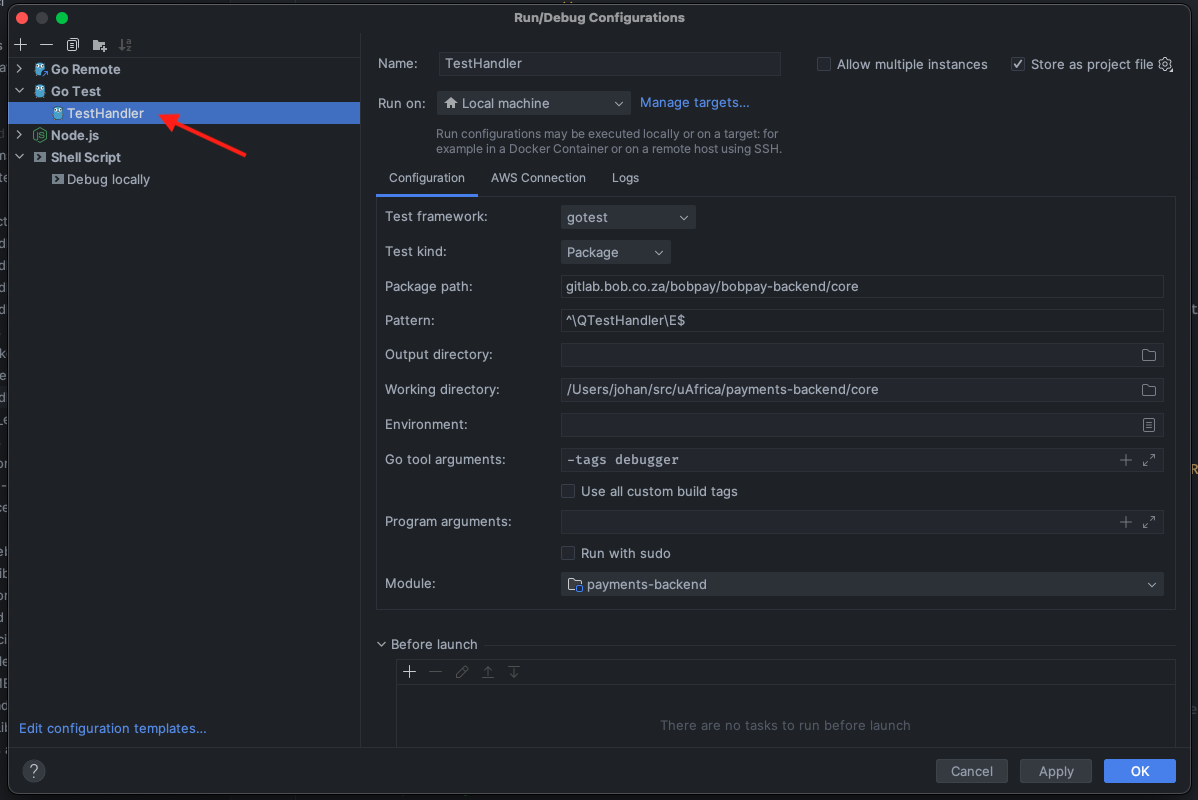
The TestHandler
When running/debugging the TestHandler a small HTTP server is started that listens on localhost:3000 and handles these paths:
/: Runs all your API calls/sqs/: Runs SQS functions/batch/: Runs batch functions
You can then use Postman to make calls to your endpoints replacing the host with localhost:3000. When the TestHandler receives an API call it forwards it to the correct function in your code, the same way the Lambda does.
Proxying dev to localhost
"Wil jy iets cools sien?"
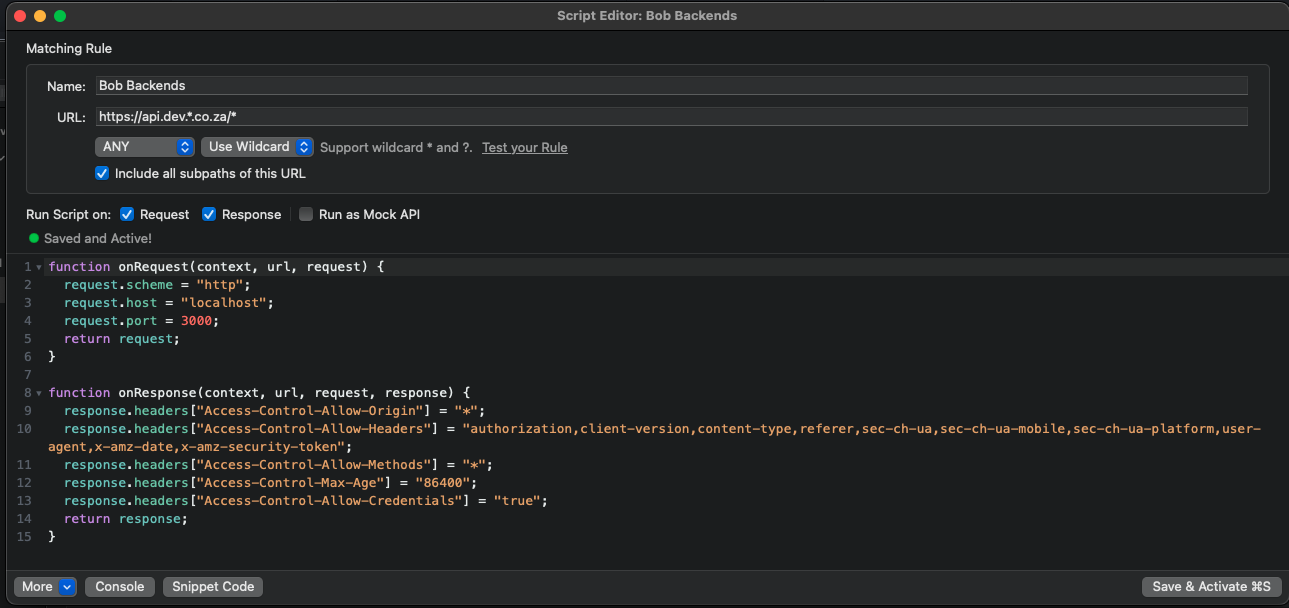
To make debugging easier you can proxy all the API calls from the dev frontend to your localhost. This uses Proxyman to intercept all the calls to api.dev.*.co.za/* and forwards it to your localhost TestHandler.
Setup:
- Download Proxyman
- Download the config file and import the script to Proxyman ("Click here")
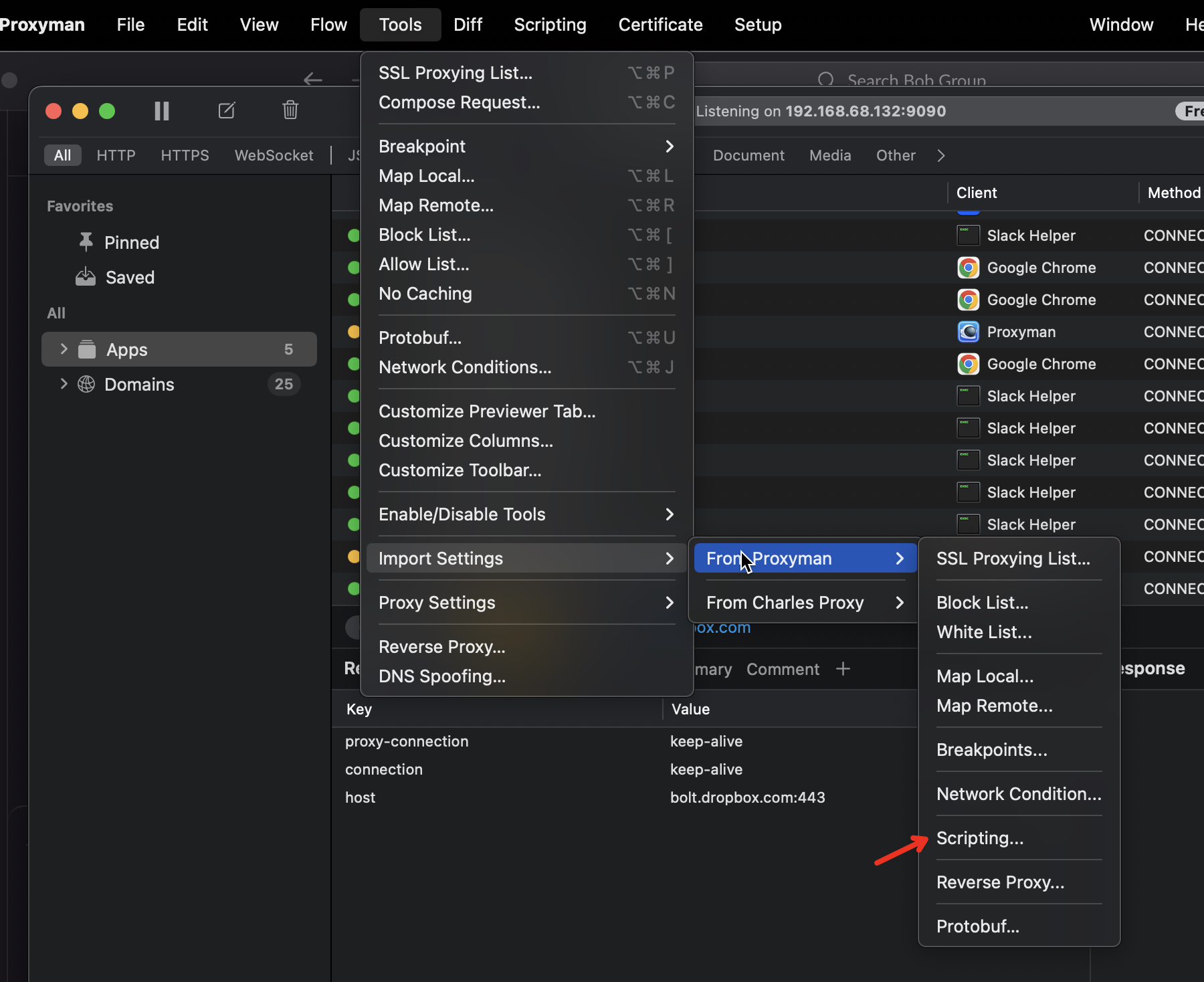
- This will import the Proxyman scripting file that will proxy all the requests from
api.dev.*.co.za/*tolocalhost:3000
GoLand configuration
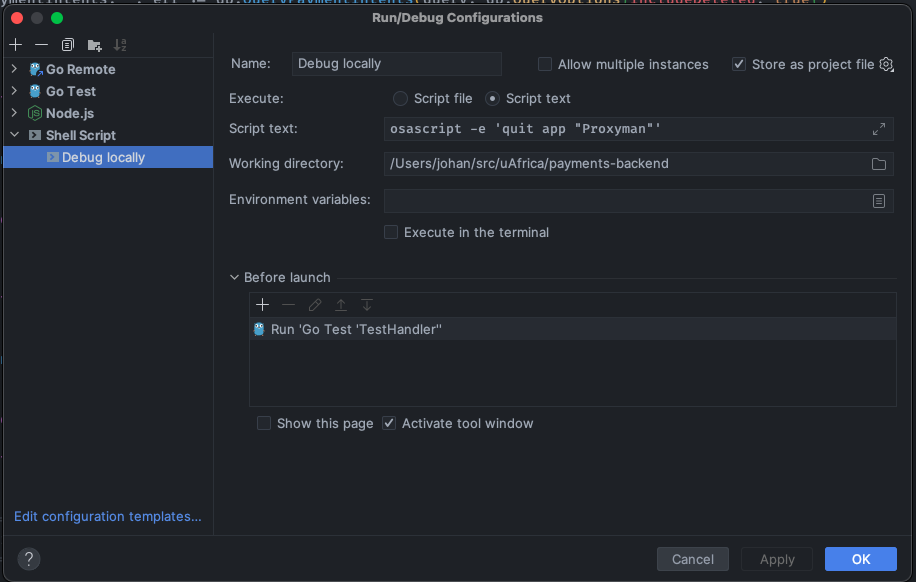
Create a new Shell script configuration in GoLand: This will run your TestHandler and after you stopped it it will close the Proxyman (stop proxying)
Debugging your app with the Proxy
After the setup is done and you run the Debug locally config then Proxyman will startup and proxy all your dev requests to localhost. Once you stop the run config it will close Proxyman and your api.dev.*.co.za/* call will work normally again
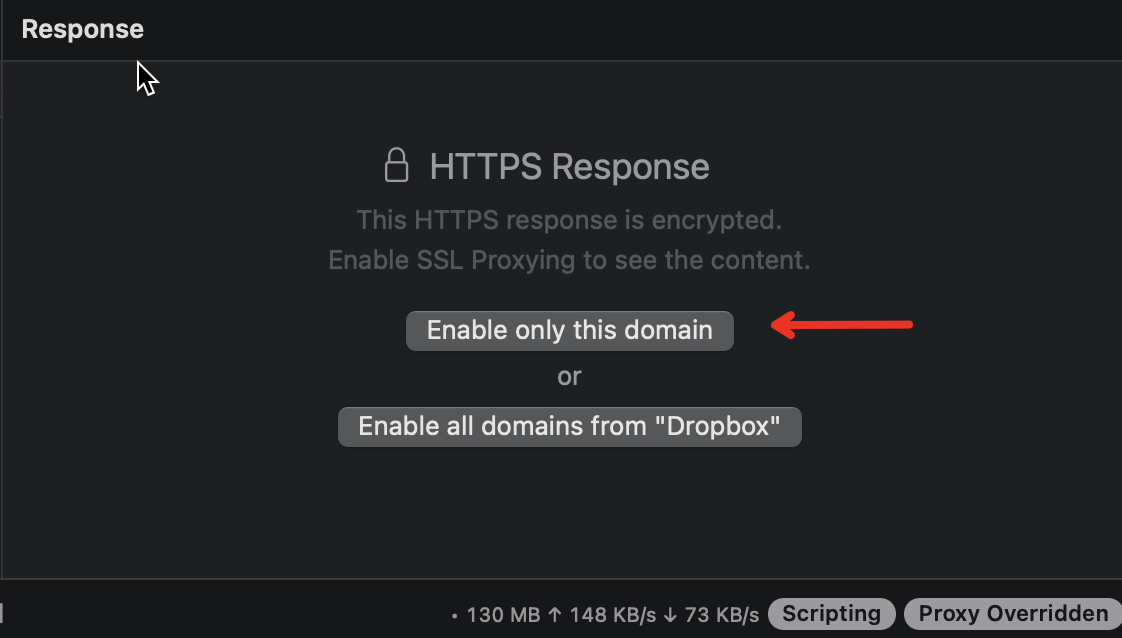
Accept the SSL proxying in Postman to ensure that the requests are proxied to the backend